Search or paste a link
Open GenYT Pro and search for a video, or paste a YouTube URL directly into the search bar.
Fast & Free Tool
Download available YouTube video formats in high quality. Fast, clean, and browser-based. No software installation required.
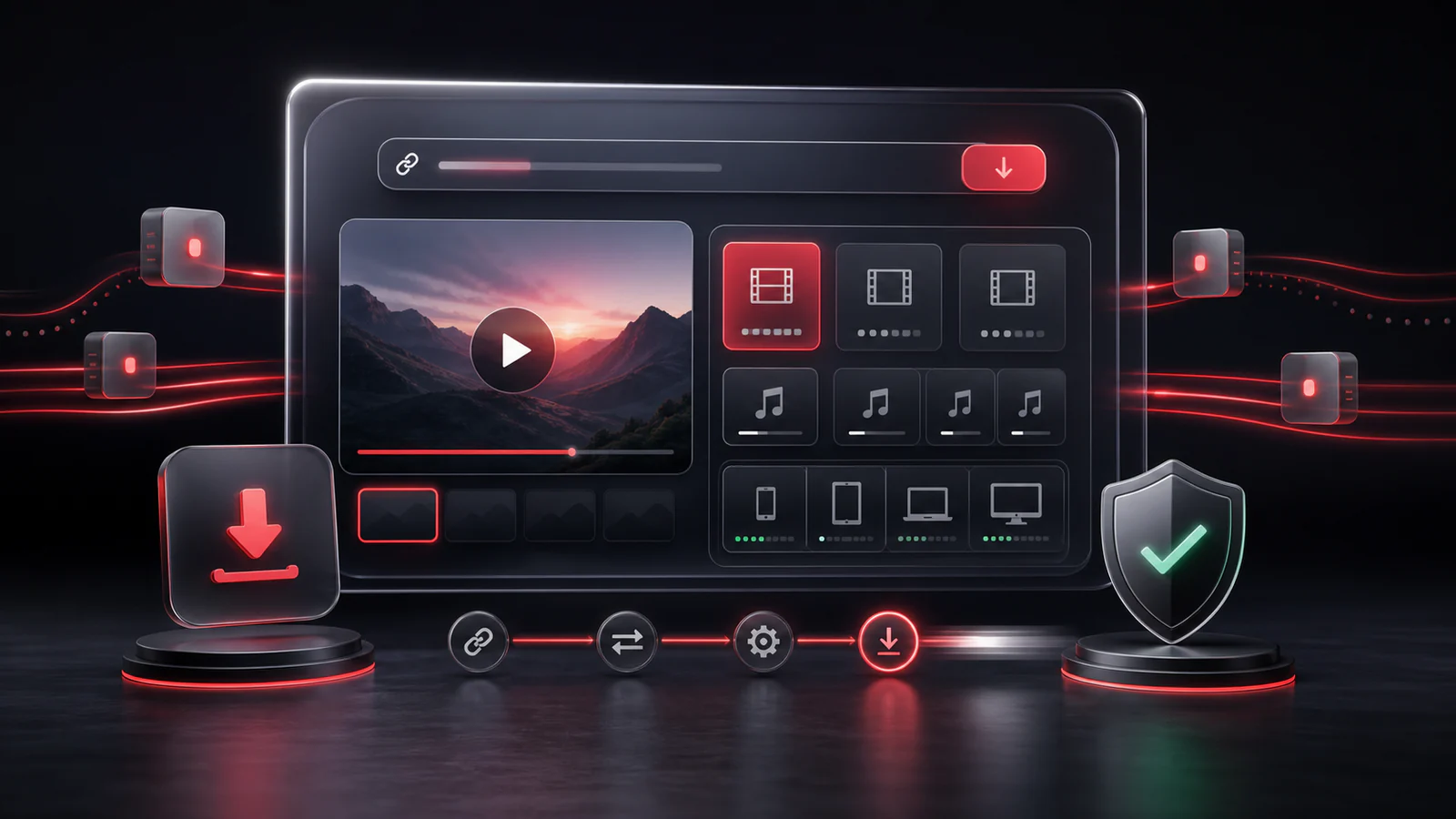
Fast Format Lookup: Fetch available download links quickly without a cluttered flow.
High Quality: Access HD, Full HD, and 4K video formats whenever available.
No Ads or Popups: A clean, premium interface focused entirely on your video.
A simple flow built for quick lookup, clear format choices, and browser-based downloads.
Open GenYT Pro and search for a video, or paste a YouTube URL directly into the search bar.
Choose the video you want. The watch page loads the player, details, and available download sections.
Review the available video options and choose the quality that fits your device and connection.
Available formats depend on the source video. Some videos include combined video-and-audio formats, while higher resolutions may be video-only.
The interface is designed to keep the flow simple: find the video, review the formats, and start the download from your browser.
Everything you need to know about this tool.
Some high-resolution options are provided without audio. If a video-and-audio option is available, GenYT Pro makes it easier to identify before you download.
No. Private, age-restricted, region-limited, removed, or protected videos may not return usable download options.
Your browser handles the download. In most cases, the file appears in your device's Downloads folder unless you choose another location.
Large videos can be handled differently by the browser. When that happens, GenYT Pro shows simple on-screen instructions so you can still save the file.
Explore our other tools and guides to get the exact format you need.