Search or paste
Use the search bar to find a video, or paste a YouTube link if you already have one.
Fast & Free Tool
A simple guide to downloading supported YouTube video and audio options using the GenYT Pro web app.
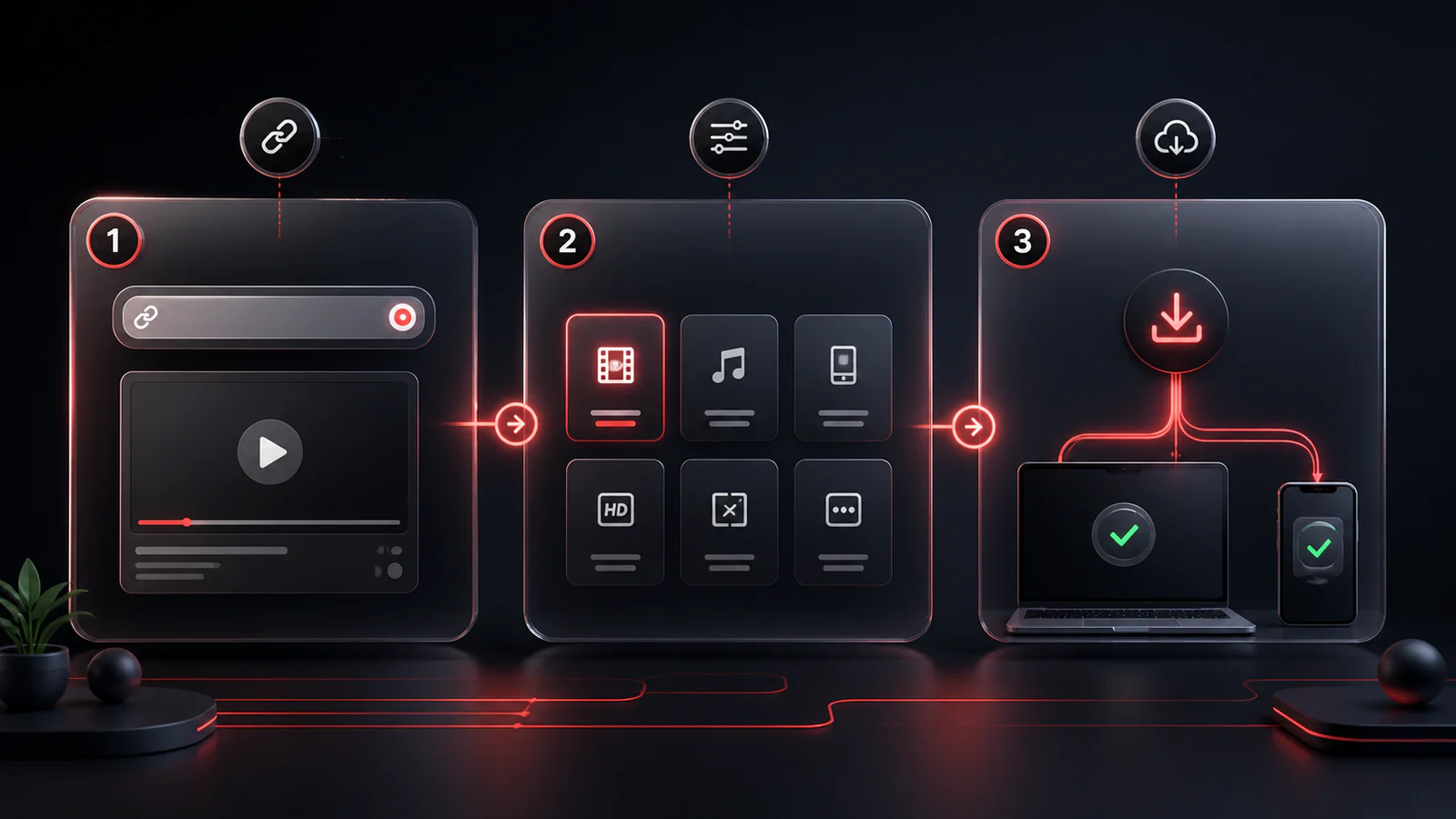
Step 1: Search for your favorite video directly or paste a YouTube URL.
Step 2: Review the video details and click on the desired format (Video or Audio).
Step 3: Click download. Your file will save directly to your device.
A simple flow built for quick lookup, clear format choices, and browser-based downloads.
Use the search bar to find a video, or paste a YouTube link if you already have one.
Open the watch page and wait for available video, audio, and image options to load.
Pick a format and follow the on-screen download instructions, especially for large files.
GenYT Pro is designed as a web app, so you do not need to install a separate desktop tool for the core flow.
Only download content when you have the rights, permission, or another lawful basis to do so.
Everything you need to know about this tool.
Generally, videos that require an account to verify age or are marked as private cannot be downloaded through public tools.
You should only download content when you have the rights, permission, or another lawful basis to do so. Do not redistribute copyrighted material without authorization.
Large files can open through a different browser save flow. When that happens, GenYT Pro shows clear instructions so you know what to do next.
Try refreshing the links or choosing another video. Some videos are unavailable because of privacy, region, age, or source restrictions.
Explore our other tools and guides to get the exact format you need.