Open the video
Search for a YouTube video or paste its link into GenYT Pro.
Fast & Free Tool
Save YouTube videos as MP4 files directly to your device. The most reliable format for offline viewing on any screen.
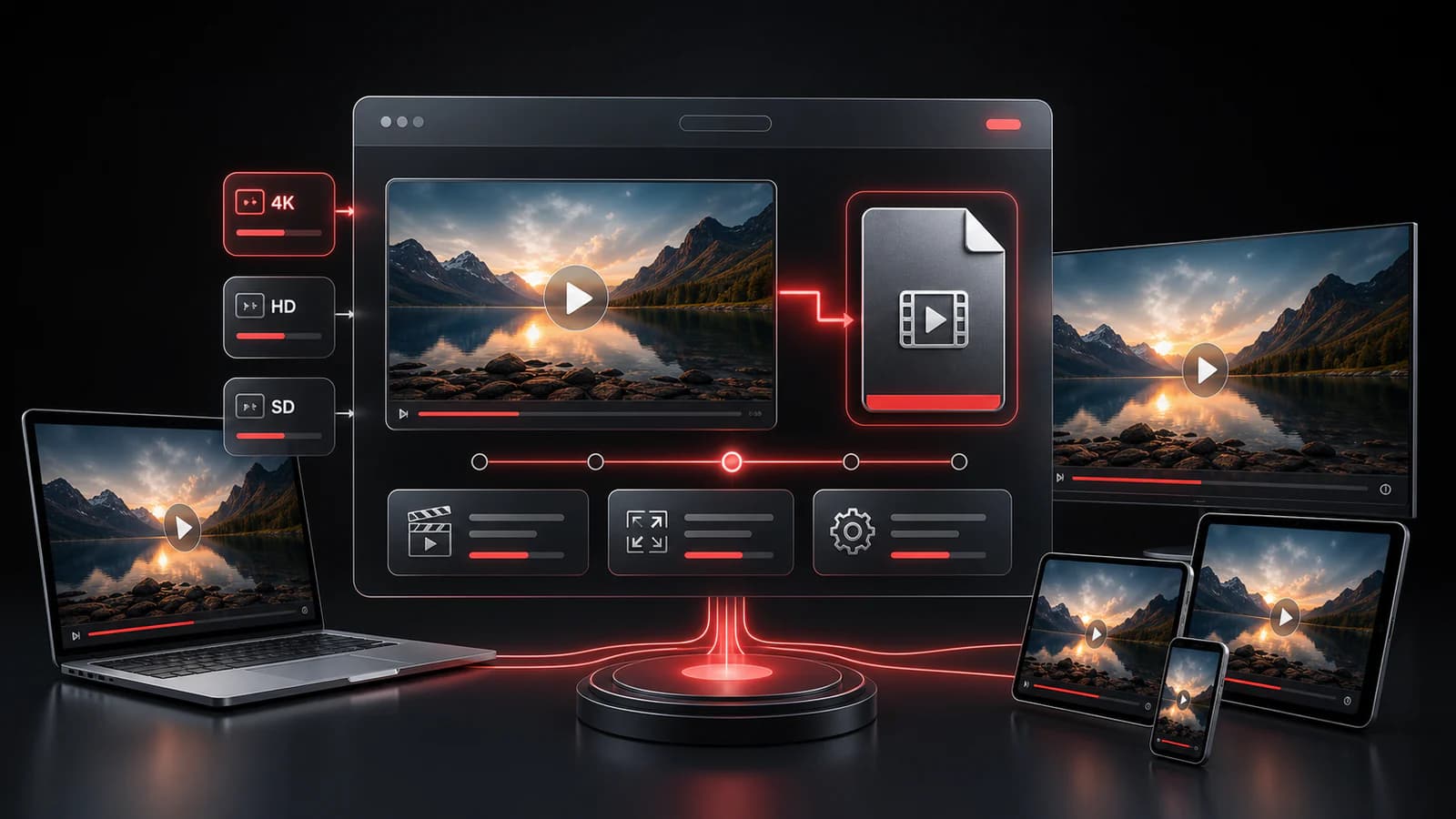
Universal Format: MP4 files play perfectly on TVs, laptops, and smartphones.
Smart Formats: Choose between muted high-res videos or standard video+audio streams.
Direct Flow: Keep the download experience focused inside the GenYT Pro interface.
A simple flow built for quick lookup, clear format choices, and browser-based downloads.
Search for a YouTube video or paste its link into GenYT Pro.
Open the video download options and compare the available quality, format, and audio details.
Select the option that works best for your device and start the browser download.
MP4 is widely supported across phones, laptops, TVs, and media players, making it a practical choice when available.
GenYT Pro can only show formats that are available for the selected video. Some high-resolution options may not include audio.
Everything you need to know about this tool.
MP4 is widely supported on phones, laptops, TVs, and media players, so it is usually the easiest format for offline viewing.
GenYT Pro does not add watermarks. Available output depends on the formats returned for the selected video.
Not currently. GenYT Pro shows the downloadable options that are available for the video. A combined-output flow may be added later.
Some high-quality options are video-only. If a format includes both video and audio, GenYT Pro labels it so it is easier to choose.
Explore our other tools and guides to get the exact format you need.